

How to Build a Website with AI: A Step-by-Step Guide
From one clear page goal to a published site: how to brief an AI website builder, prompt for structure, iterate without breaking things, and cover the SEO basics.
Dala Team
· 6 min read · Updated November 16, 2026

Guides · Getting started
On this page
Most AI website projects fail before the first prompt. Ask for "a website for my business" and the model has nothing to decide with, so it invents a generic layout and generic copy.
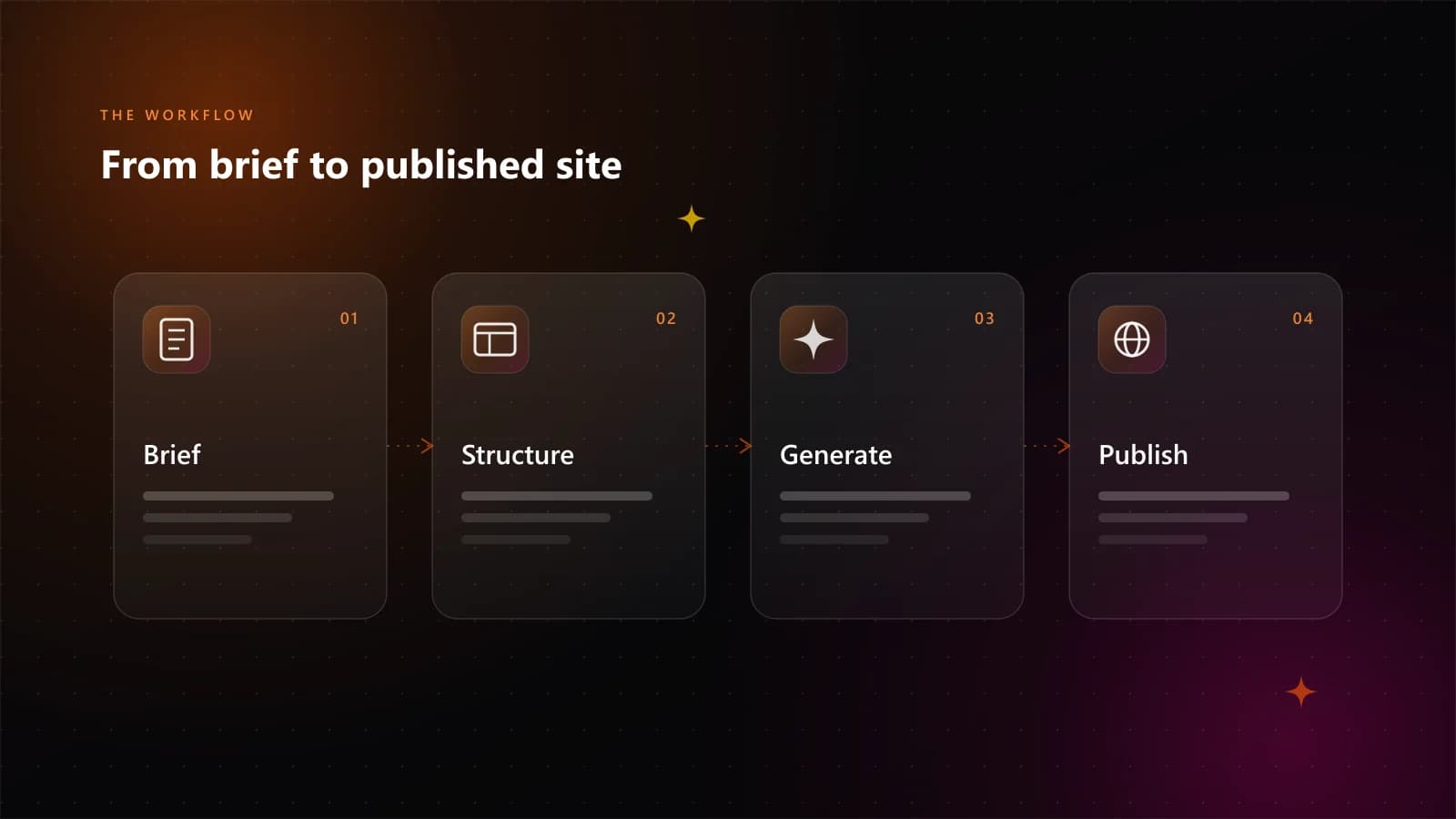
The fix is boring. Decide the job of the page, gather the real content, then let the tool assemble it.
What an AI website builder actually does
It turns a description into sections, headings, copy blocks, images and styling. You refine the result by asking for changes. The same loop produces working apps with forms, accounts and stored data.
Three things bound the quality of what comes back:
- The clarity of your brief. Who the page is for, and what it must make them do.
- The content you supply. Real names, prices, benefits and proof.
- The feedback loop. One change at a time, checked on mobile.
Treat it like a fast junior designer who has never met your customer. Better input, better output.
Step 1: Define the one job of the page
Write one sentence before you open a tool:
This page must get [audience] to [action] because [reason to believe].
Examples:
- "This page must get restaurant owners in Nairobi to request a demo because we cut their stock-taking time in half."
- "This page must get hiring managers to download the salary report because it uses data from 400 local companies."
If you cannot fill all three blanks, you are not ready to prompt yet.
Step 2: Gather the content first
Collect these in a document before generating anything:
- the exact product or service name
- one-sentence description
- three to five concrete benefits, not adjectives
- prices, or a clear reason not to show them
- proof: testimonials, customer names, numbers, certifications
- contact details and a primary call to action
- any brand colours, fonts or images you must use
Generic input makes a generic page. Specifics are what make it look like your business.
Step 3: Prompt for structure, then for style
Ask for a page with a specific order of sections. Style comes afterwards.
Build a one-page website for a logistics company in Kigali.

Audience: small importers who need customs clearance.
Primary action: request a quote.

Sections, in this order:
1. Hero: headline, one-sentence description, "Request a quote" button
2. Three services with short descriptions
3. Why us: four proof points with numbers
4. How it works: three steps
5. Customer testimonial
6. Quote form with name, phone and shipment type
7. Footer with contact details and a map

Tone: direct, professional, no hype.
Style: clean, white background, dark navy text, one orange accent.
Must work on mobile first.
That prompt gives the model decisions to make. Vague prompts force guesses, and guesses come out average on purpose.
Step 4: Change one thing at a time
The fastest way to break an AI-built page is to ask for five changes in one message. The model applies some, misses others, and the layout drifts.
Keep a list. Send one instruction:
- "Move the testimonial above the pricing section."
- "Rewrite the hero headline to focus on speed, not price."
- "Make the primary button the same orange as the logo."
After each change, look at the page. Keep what improves. Undo what does not, or ask for the reverse. Developers work the same way with small commits.
Step 5: Check mobile before you publish
Open the preview on an actual phone. A resized desktop window will lie to you.
Check the headline is readable without zooming. Check that buttons reach with a thumb, forms finish on a phone, images do not crop through faces or product labels, and nothing scrolls sideways.
If the page is only good on desktop, it is not finished. In most markets it is also not the page most people will see.
Step 6: Publish and connect a domain
Publish to the builder's hosting first and test the live URL. Then connect your own domain:
- Add the domain in the hosting settings.
- Copy the DNS records the builder gives you.
- Add them at your registrar.
- Wait for propagation, then confirm both the root domain and
wwwresolve. - Re-check that the HTTPS certificate is active.
A custom domain separates a prototype from a business.
Step 7: Cover the SEO basics
AI will produce a page. It will not automatically produce a page that ranks. Check these before launch:
- One topic per page. Do not target five services on one page.
- A descriptive title tag. The service plus the place, if local.
- One h1, then h2s that describe the sections.
- Real copy, not placeholder text. Aim for at least 300 useful words on a service page.
- Descriptive image alt text.
- Internal links to your other pages.
- A sitemap and
robots.txtgenerated by the platform. - Fast loading. Compress images and avoid heavy scripts.
- A working contact path. Form, phone or WhatsApp.
When the site has to do more than look good
Sign-up, log-in, user data, an admin view, payments. A simple marketing page usually needs none of that, and people ask whether AI can build the version that does.
It can. Dala Studio generates the screens and the app logic from the same brief, and you pair the result with Supabase for the parts that should not be improvised: a Postgres database, authentication, file storage and row-level security. You decide the data model and who is allowed to see what, then the AI writes the interface and queries around it.
On a complex build, most of the effort goes into:
- The data model. Tables, relationships, and which fields are private.
- Auth and permissions. Who can read, write and delete, enforced in the database rather than hidden in the UI.
- The states. Empty, loading, error, and the unhappy paths.
- Review. Testing one role at a time against real data before launch. A generated policy set is a draft: check every role against the rows it must not see, because RLS is the security boundary.
That is a normal app build. The discipline that makes a small page good is the same one that keeps a large app maintainable.
A realistic first project
Start with one page. Pick the page that matters most commercially, gather the content, publish it. Add the second page once the first is live and you have watched people use it.
The same path scales past a landing page. Add accounts when the app needs them, then the data those accounts depend on.
Dala Studio builds websites, apps and games from a prompt in the same studio where you generate video, images and music, including apps with user accounts, a database and permissions, with Supabase as the backend for auth and storage. You can try it on the free plan and top up credits from $1 when you need more. See pricing for the details.
Start creating
Turn the idea into a working product
Describe what you want in your own language. Dala Studio builds the website, app or game, generates the video and images, or makes the music — from one credit balance.